Next.js Error Tracking installation
Install with the wizard
Run this command in your project directory to add PostHog to your Next.js project. The wizard detects your framework, installs the SDK, and sets up your first events.
Or set it up manually by following the rest of this guide.
- 1
Install the package
RequiredInstall the PostHog JavaScript library using your package manager:
- 2
Add environment variables
RequiredAdd your PostHog project token and host to your
.env.localfile and to your hosting provider (e.g. Vercel, Netlify). These values need to start withNEXT_PUBLIC_to be accessible on the client-side..env.local - 3
Initialize PostHog
RequiredChoose the integration method based on your Next.js version and router type.
If you're using Next.js 15.3+, you can use
instrumentation-client.tsfor a lightweight, fast integration:instrumentation-client.tsFor the App router, create a
providers.tsxfile in yourappfolder. Theposthog-jslibrary needs to be initialized on the client-side using the'use client'directive:app/providers.tsxThen import the
PostHogProvidercomponent in yourapp/layout.tsxand wrap your app with it:app/layout.tsxFor the Pages router, integrate PostHog at the root of your app in
pages/_app.tsx:pages/_app.tsxDefaults optionThe
defaultsoption automatically configures PostHog with recommended settings for new projects. See SDK defaults for details. - 4
Accessing PostHog on the client
RecommendedOnce initialized in
instrumentation-client.ts, importposthogfromposthog-jsanywhere and call the methods you need:app/checkout/page.tsxUse the
usePostHoghook to access PostHog in client components:app/checkout/page.tsx - 5
Capture client-side exceptions
RequiredPostHog can automatically capture unhandled exceptions in your Next.js app using the JavaScript Web SDK. Turn it on with
capture_exceptions: truein yourposthog.initcall:instrumentation-client.jsIt is also possible to manually capture exceptions using the
captureExceptionmethod:Manual capture is very useful if you already use error boundaries to handle errors in your app:JavaScriptNext.js uses error boundaries to handle uncaught exceptions by rendering a fallback UI instead of the crashing components. To set one up, create a
error.tsxfile in any of your route directories. This triggers when there is an error rendering your component. An error boundary catches the error before autocapture sees it, so add the capture to everyerror.tsxyour app has. It should look like this:error.tsxAlso add the capture to a Global Error component at
app/global-error.tsx, and create one if your app has none: it catches errors in the root layout and in the first render, before autocapture loads.app/global-error.tsxFor Pages Router, you can use React's Error Boundaries to catch JavaScript errors anywhere in the component tree. Create a custom error boundary component and report errors to PostHog in the
componentDidCatchmethod:components/ErrorBoundary.tsxThen wrap your app or specific components with the error boundary:
pages/_app.tsx - 6
Installing PostHog SDK for server-side
RequiredNext.js enables you to both server-side render pages and add server-side functionality. To capture server-side exceptions, use
@posthog/nextfor the errors Next.js reports and the Node SDK for everything else.First, install
@posthog/next0.11.0+ andposthog-node5.61.1+, and upgradeposthog-jsto 1.445.1+ if yours is older:Then create a
lib/posthog-server.jsfile that initializes PostHog fromposthog-node. WithenableExceptionAutocapture, it captures uncaught exceptions and unhandled promise rejections. Turn it on for the Node.js runtime only: the edge runtime cannot register process listeners, so the client would fail to start there.This looks like this:
lib/posthog-server.jsYou can now use the
getPostHogServerfunction to capture exceptions your server-side code handles itself. Pass the user's distinct ID when you know it:JavaScript Verify server-side exceptions
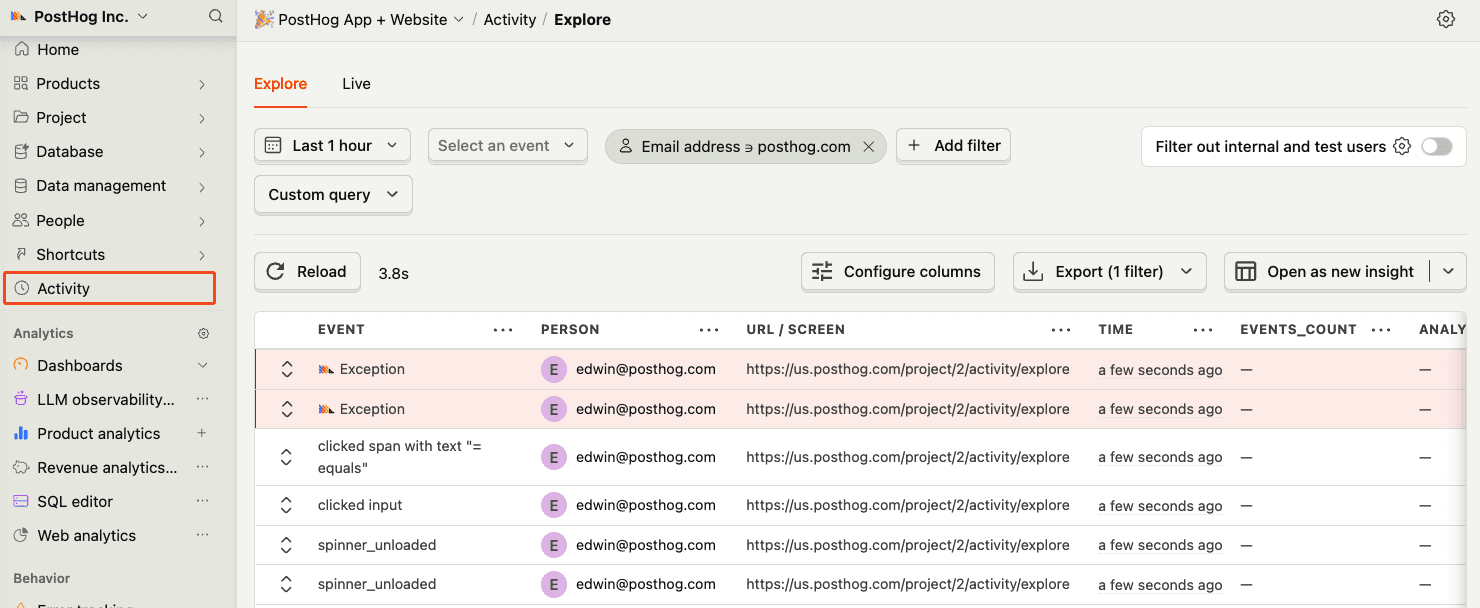
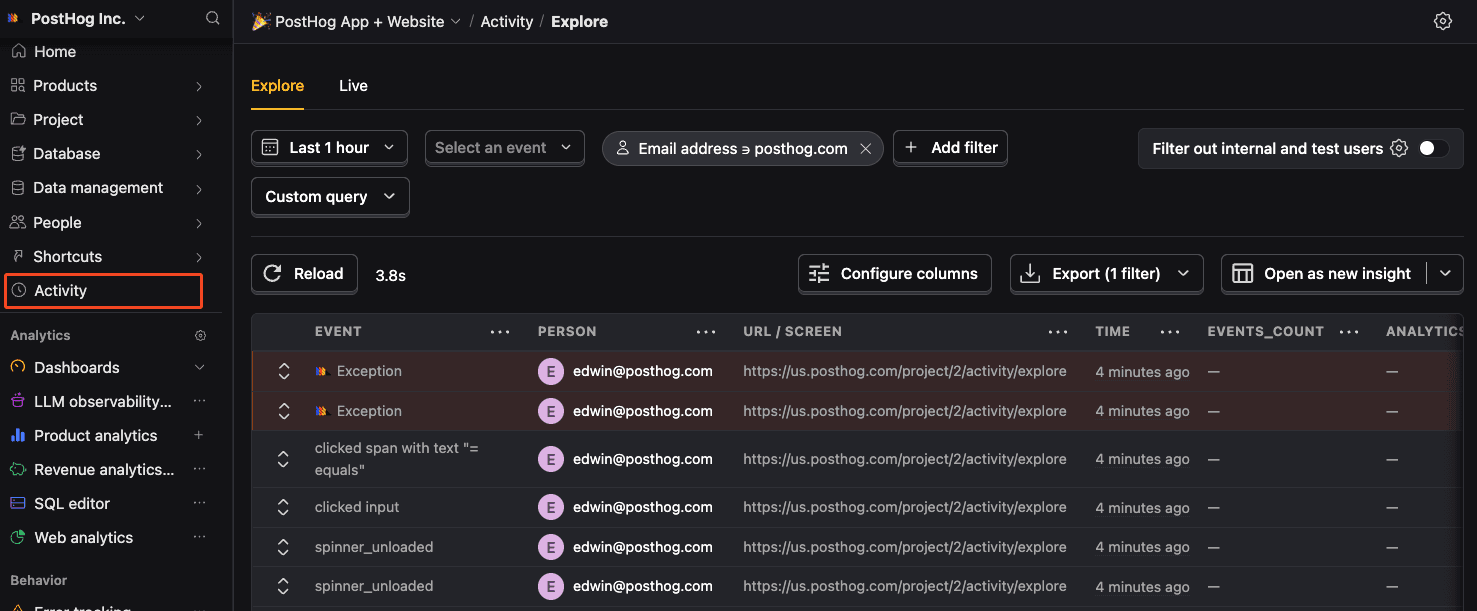
RecommendedYou should also see events and exceptions in PostHog coming from your server-side code in the activity feed.
- 7
Capturing server-side exceptions
RequiredTo capture errors that occur in your server-side code, set up an
instrumentation.tsfile at the root of your project (or insrc/). Next.js calls itsonRequestErrorhook when a Server Component, Route Handler, or Server Action throws.createOnRequestErrorreturns that hook, and links each error to the user and session.register()starts theposthog-nodeclient when the server starts.This looks like this:
instrumentation.jsonRequestErrormisses errors thrown inproxy.tsand in Node.js middleware. If your app has either, wrap it withwithPostHogProxy:proxy.tsErrors thrown in
after()callbacks do not reachonRequestErroreither. If your app importsafterfromnext/server, capture inside each callback:app/api/orders/route.tsNext.js 14 and earlier run
instrumentation.jsonly with theinstrumentationHookflag. They never callonRequestError, so leave it out, and upgrade to capture Server Component, Route Handler and Server Action errors:next.config.jsYou can find a full example of both this and client-side error tracking in our Next.js error monitoring tutorial.
- 8